A document management system configured around your documents
DocuPro — also known as GoDocuPro — is a Windows document management system (DMS) that captures, indexes, secures, and routes documents using your organization's own document types, metadata, permissions, and workflows. This page explains what it does, who it fits, and how it compares.
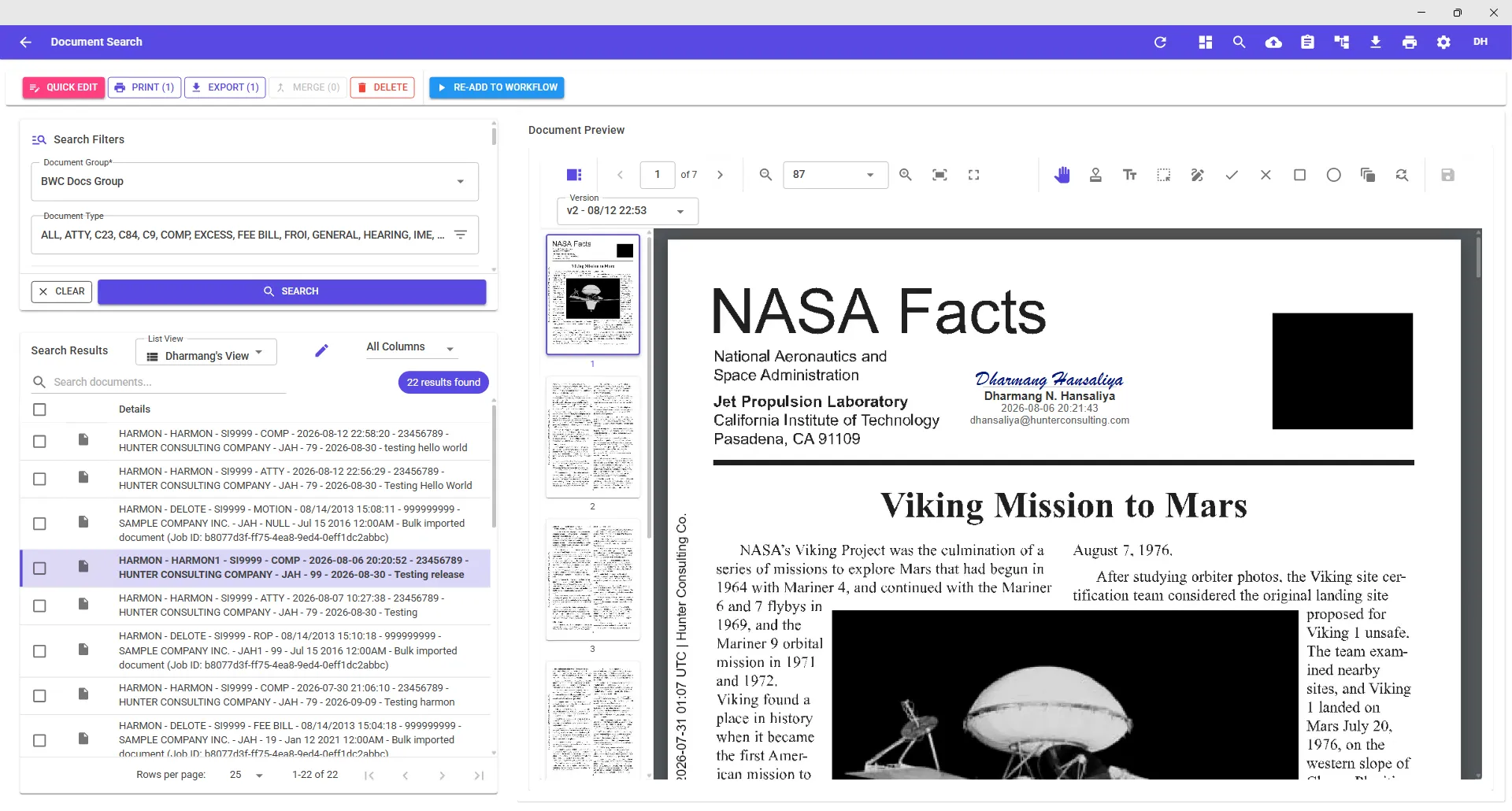
What a document management system does — and how DocuPro does it
Every DMS has to get documents in, describe them, protect them, move them, and let people work with them. DocuPro handles each step on one platform, and each step is configured by your team.
Documents become processes
Indexing is what turns a scanned page into a record you can route. An invoice indexed by Vendor, Amount, and Department can be assigned to the right approver automatically; a claim indexed by Employer can be hidden from everyone but its adjuster.
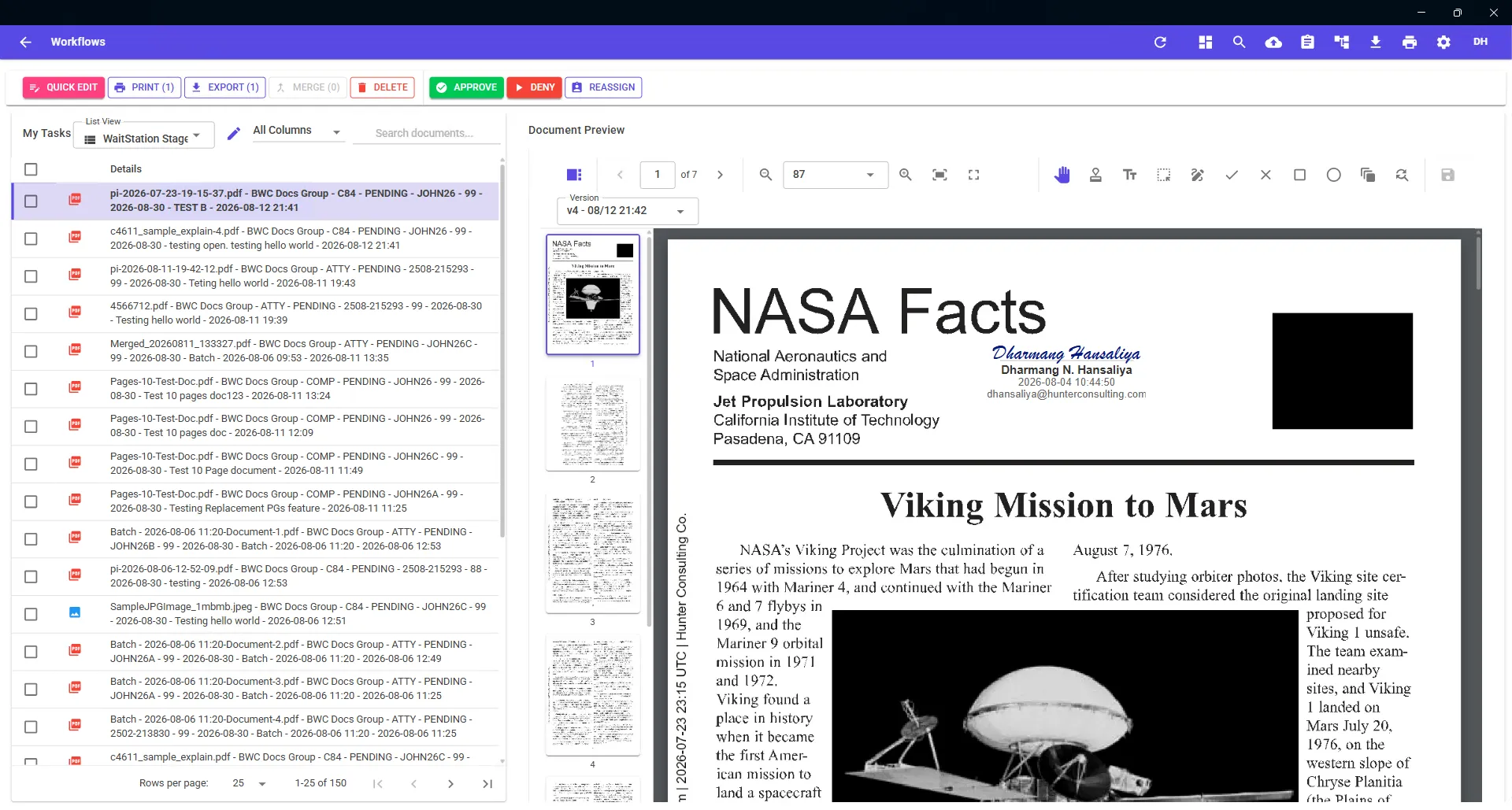
Who DocuPro fits
Document management by industry
Same platform, different document types. See how DocuPro is typically configured for:
Document management system FAQ
What is a document management system?
A document management system (DMS) captures documents from scanners, email, and applications; stores them with searchable metadata (index fields); controls who can see and act on each document; and routes documents through business workflows such as review and approval. DocuPro does all of this on a Windows platform configured around your own document types.
What is the difference between DocuPro and GoDocuPro?
They are the same product. DocuPro is the document management system; GoDocuPro is the brand and domain (godocupro.com), and you will see the “GoDocuPro” name on components such as the GoDocuPro VPD virtual print driver.
Is DocuPro cloud or on-premises?
DocuPro is delivered as a cloud-hosted service. Users work from Windows and sign in with Microsoft Entra ID single sign-on; the application is registered in your own Entra ID tenant, so your admins control who is provisioned and deprovisioned.
How is DocuPro different from a shared drive or SharePoint folders?
Folders store files; a DMS indexes them. DocuPro attaches structured index fields to every document, enforces security by those values, and moves documents through workflows with tasks and notifications — none of which a folder tree provides.
What does DocuPro cost?
Request a demo. Tell us what you file today and how it needs to be processed; we set up a DocuPro environment with your document types, walk your team through it, and quote pricing for your organization.
Can DocuPro replace OnBase, DocuWare, or Laserfiche?
For organizations whose needs are capture, indexing, search, security, workflow, and a viewer, yes — and bulk import jobs migrate the existing repository. See the comparison pages for what to evaluate.